Canvass Launch Day: How to Run It

A canvass launch is the first organized day of door knocking. The team gathers at one location, hears a short briefing, practices the script, goes out in pairs to assigned turf and comes back for a debrief. To run one well, prepare the turf, walk lists and app a week ahead, confirm everyone the day before, keep the briefing to about 15 minutes, send people out promptly, and end with a debrief and sign-ups for the next shift.
A campaign can hold a launch at the start of its door program and again for the final push before the election. A sales team can run the same kind of day when it opens a new neighborhood, and a nonprofit when it begins a drive. Launch day is step seven in our guide to planning and running a canvassing campaign, which covers the goal, turf, script and schedule that should be settled before this day arrives.
One week before
Much of the work of a good launch happens in the week before it.
- Check the local rules. Cities, villages and counties set their own rules on soliciting, permits and hours, and they vary from place to place. Our post on whether door-to-door canvassing is legal explains what to look for and whom to ask.
- Cut and assign the turf. Each turf should hold about one shift of doors. Assign a turf to each confirmed pair, and keep two or three spare turfs for people who arrive unannounced.
- Test the app. Open each turf and confirm that it holds the households you expect. Record a test door, and check that the script appears on the door screen.
- Finish the script and the questions. Settle the two or three questions every door should answer and how canvassers will record each answer. Print one copy for the briefing, so that people can read along.
- Choose a staging location. The staging location is where the team gathers before and after the shift. A campaign office, a supporter's home or a reserved room at a library or community center can work. Look for parking, restrooms and a short drive to the turf.
- Recruit and confirm. Ask for a firm yes from each person, with their phone number. Try to have at least one experienced canvasser for every new one, so that every pair has someone who has done this before.
- Gather supplies. A sign-in sheet, name badges, printed literature if you are leaving any, a few paper walk sheets as a backup, water, snacks, phone battery packs and a first-aid kit.
The day before
- Send a reminder to every confirmed canvasser with the start time, the address, where to park, and what to bring: comfortable shoes, weather-appropriate clothing and a charged phone.
- Make sure everyone can sign in. Ask each person to accept their invitation and sign in to the app once before they arrive. Problems with passwords take longer to fix at a crowded table.
- Check the weather. Apply the rule you set in your plan for heat, cold or storms, and tell people early if the shift will change.
- Write the pair list. Match new canvassers with experienced ones, and match each pair to a turf.
Setting up the staging location
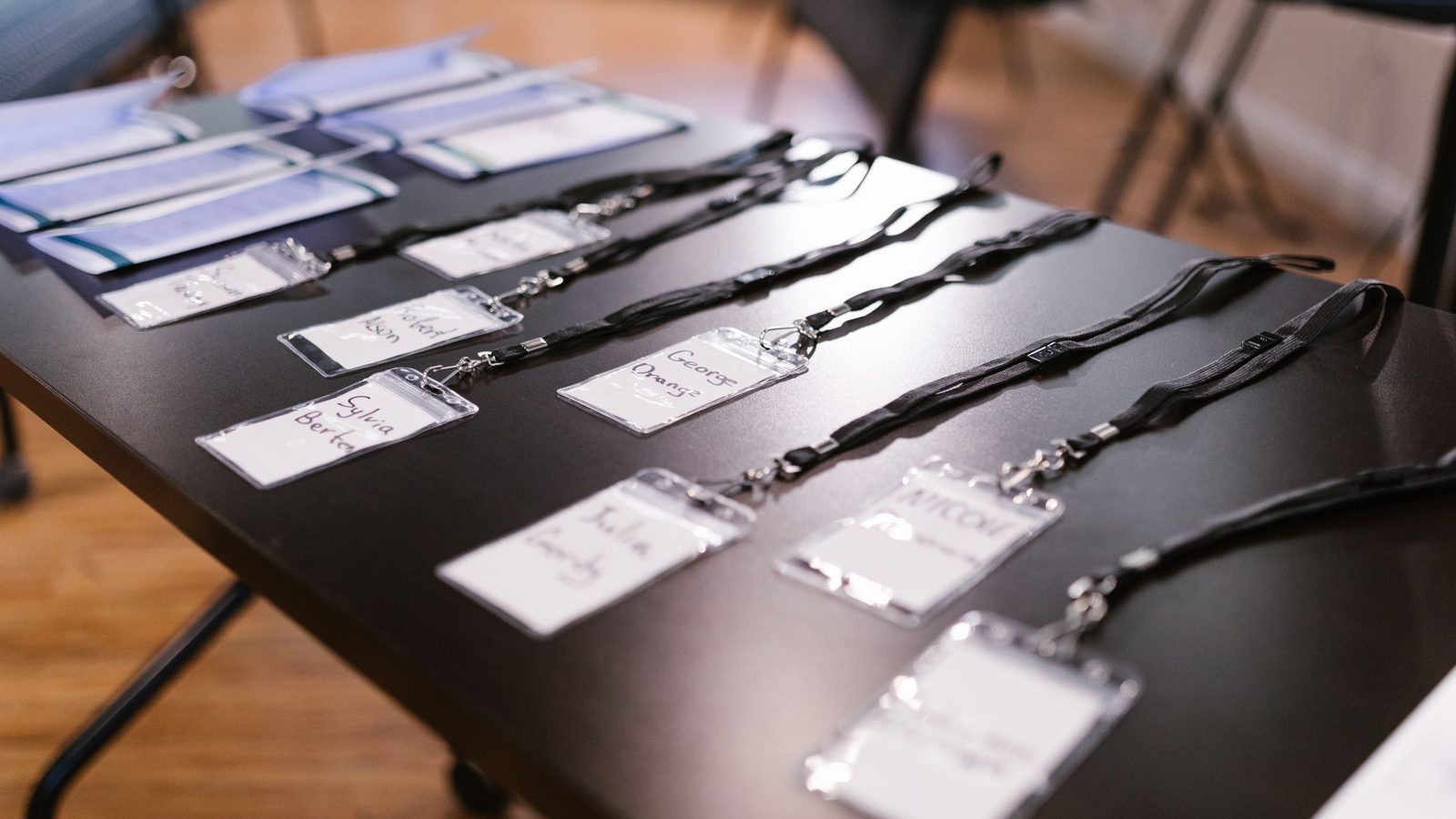
Arrive about 45 minutes before the start time. Set up three areas: a sign-in table, a table with turf assignments and supplies, and an open space for the briefing and practice. Put the shift lead's phone number on a card for every pair. Have the sign-in sheet ask for each person's name and phone number, so that you can reach anyone during the shift.
The briefing, in about 15 minutes
Keep the briefing short. People came to knock on doors, and a long talk uses up the best hours of the day.
- Welcome and the goal for the day (2 minutes). Say why the campaign matters and give the day's goal as a number, such as the doors you plan to knock.
- The script (3 minutes). Read it once, then have each pair practice it with each other twice.
- Door results and answers (3 minutes). Explain what each door result means and why every door gets one, including not-home doors. Then show how to record the answer to each question.
- Safety (3 minutes). Stay with your partner, stay on public sidewalks and paths, never go inside a home, and leave any door where you feel uncomfortable. Give the check-in time and the return time. Our safety tips for door-to-door canvassers cover this in more detail.
- The app (2 minutes). Show how to open the campaign, find the next door, record a result and add a rating and a note.
- Questions (2 minutes).
Sending people out
Send pairs out as soon as the briefing ends. Give new pairs turf that is close to the staging location and easy to walk, and save the longer or more spread-out turf for experienced people. Confirm three things with every pair before they leave: the turf they are working, the check-in time halfway through the shift and the time to be back.
During the shift
The shift lead stays at the staging location or nearby and keeps their phone on. During the shift, the lead:
- answers questions about addresses, the script and the app;
- reassigns spare turf to pairs who finish early;
- checks on any pair that misses the check-in time; and
- writes down problems to raise at the debrief, such as wrong addresses or turf that took too long.
If a resident is upset, the canvasser should thank them, leave politely, and record the result with a short note. Nobody should argue at a door.
The debrief
When everyone is back, take 15 minutes before people leave.
- Share the totals. Doors knocked, conversations and the answers that count toward the goal.
- Ask what happened. Good conversations, hard questions and anything that went wrong.
- Decide what to change. A line in the script that did not work, a turf that was too large or a time when nobody was home.
- Thank people by name.
- Sign people up for the next shift before they leave, while the day is still fresh. Have the next date and time ready.
After launch day
That evening or the next morning, compare the day's results with your field plan. Check the real doors per shift and the real contact rate (the share of doors where you reached the person you meant to reach), and adjust the plan if either is far from your estimate. Reassign any unfinished turf to the next shift. Follow up on anything promised at a door within a day or two. Send the team a short thank-you with the day's totals.
Running launch day in Beacon
Beacon handles the turf, the walk lists and the door results, which leaves the shift lead free to look after people.
- Before the day. Set the campaign's status to Active, because canvassers see only active campaigns. Invite every canvasser from the Team page, and assign each turf from the Territories page using Edit and Assign Team Members. Record a test door to confirm that the script appears.
- At the briefing. Have each person open Beacon on their phone and tap the campaign on the Select Campaign screen. Their walk list downloads with the stops ordered by distance. Walk through the door screen together: the result buttons, the 1 to 5 rating, notes and the script panel. Agree on what each rating means and how to word the notes, so that every canvasser records answers the same way.
- During the shift. Every plan shows a geofence warning on the canvasser's own phone if they walk outside their turf. On Growth and higher plans, the Live Tracking page shows canvassers on a map, for those who have turned on location sharing. If a canvasser loses signal partway through the shift, their results are queued and sent when the signal returns. When a pair finishes early, reassign a spare turf from the Territories page.
- At the debrief. Open the leaderboard, the campaign's Stats tab and each territory's completion percentage, and share the totals with the room.
Every Beacon plan includes unlimited canvassers, so a large launch does not change the price. More on Beacon for campaign field programs is on our political campaigns page.
Get ready for your launch
Set up the campaign, draw the turf and test a door a week before your launch. Start a 14-day trial with the Starter plan's features. No card is needed.