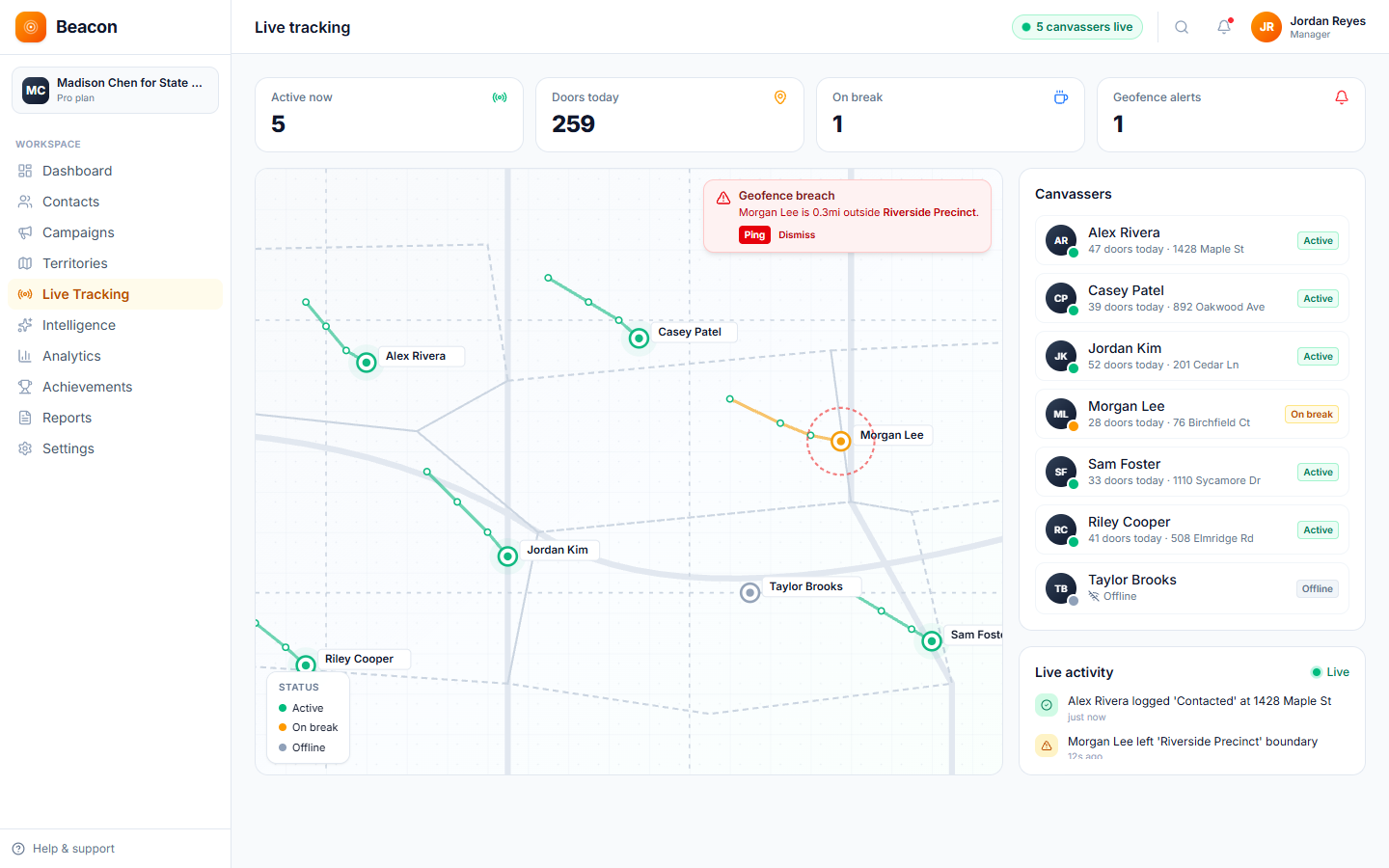
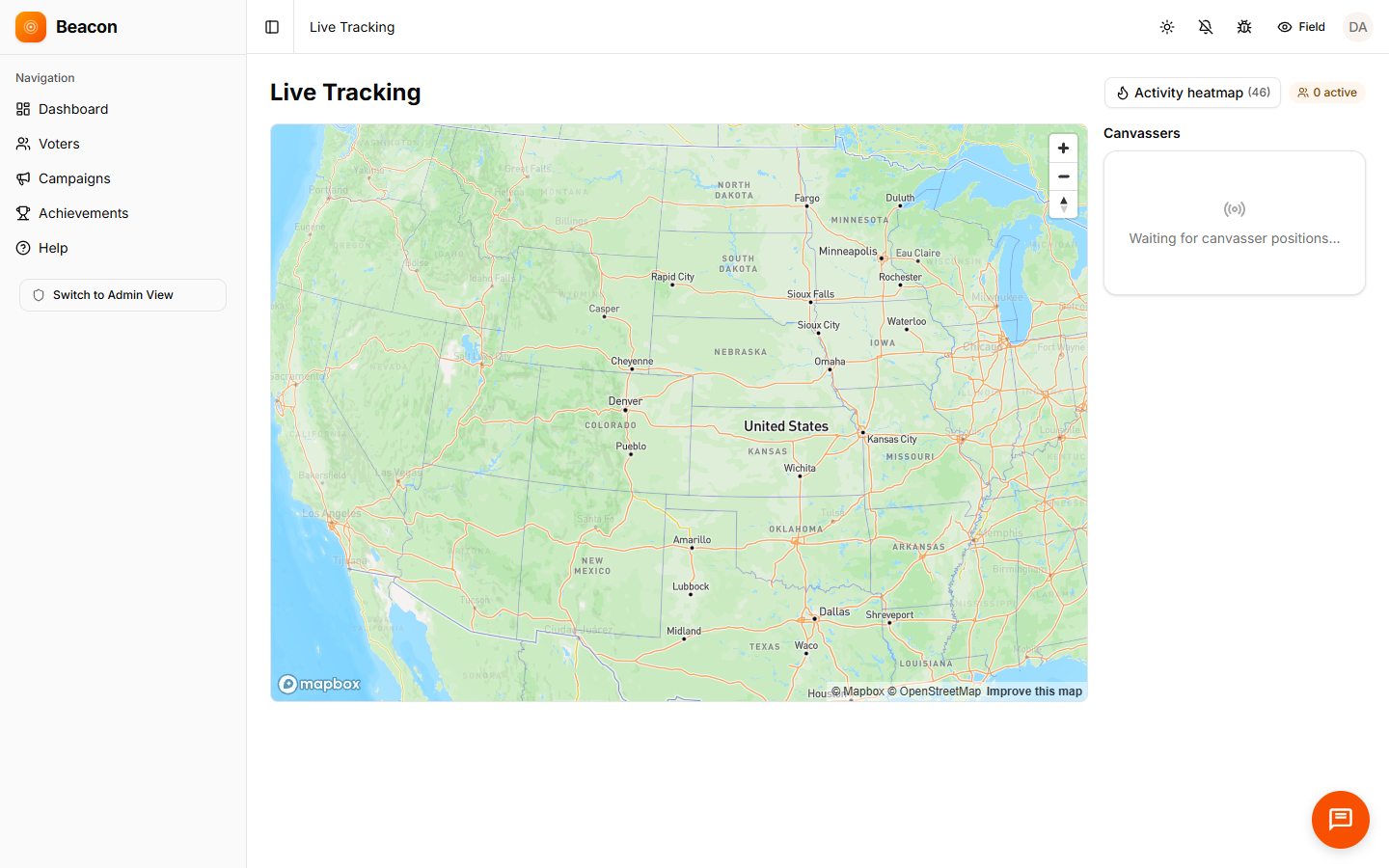
On the Growth plan and up, every canvasser out going door to door appears as a pin on the manager dashboard, and each pin updates every 30 seconds through a live connection. On every plan, the activity feed lists each knock as it is recorded, and a canvasser's phone shows a warning when they leave their turf (the area assigned to them).
Capabilities
The live tracking map shows managers what they need to know during the day: where the team is, which doors were knocked in the last ten minutes, whether anyone is outside their turf, and whether the program is on pace.
/01, POSITIONS
Each canvasser appears as a labeled pin, and the position updates every 30 seconds through a live connection. The last known position stays on the map when the signal drops.
/02, ACTIVITY
The activity feed lists interactions as they upload, showing who knocked on which door and the disposition (door result). You can filter it by canvasser or turf.
/03, ALERTS
The canvasser's phone shows a warning when the canvasser is outside their assigned area, and the phone checks its location less often on low battery so it lasts the whole shift.
Manager view
Field directors and regional managers open the same view. On the Growth plan and up, the map shows where each canvasser is, and on every plan the activity feed shows what they just recorded.
How tracking works
/01
The canvasser opens the walk list (their assigned addresses), and the phone begins sending its position every 30 seconds in the background.
/02
Pins appear on the dashboard, and the activity feed adds every door as it is recorded. If a canvasser walks outside their territory, their own phone shows a warning.
/03
If a turf is falling behind, reassign a canvasser and send the new walk list to their phone. The pin moves to the new area without a phone call.
/04
When the battery runs low, the phone sends updates less often and the last position stays visible on the map, so canvassers usually finish the shift with charge remaining.
FAQ
Q / 01
It updates every 30 seconds at full battery, through a live connection to Beacon. On low battery, updates come less often to save charge but do not stop.
Q / 02
Not by default. Managers and admins see the full team, while canvassers see their own position and nearby contact pins. Admins can turn on team visibility in the organization settings.
Q / 03
GPS positions are saved on the phone, and the last known position stays on the manager's map with a timestamp. When the signal returns, the saved positions upload and the trail fills in.
Q / 04
Beacon checks location in a way that saves battery, using the phone's built-in location services instead of running GPS constantly. Most canvassers finish a full shift with charge remaining.
Start watching
Open an account and send your team into the field. On the Growth plan and up, the GPS tracking map fills with pins as canvassers log in.