A farm is the neighborhood an agent works over many months, and visiting its homes in person is canvassing. Import your farm list and draw your farm on the map. Data enrichment can add homeowner status, property value, and length of residence when the data provider returns them, and each contact gets a rule-based lead score. Beacon logs every visit, so you can see how much of each farm you have worked.
Farms
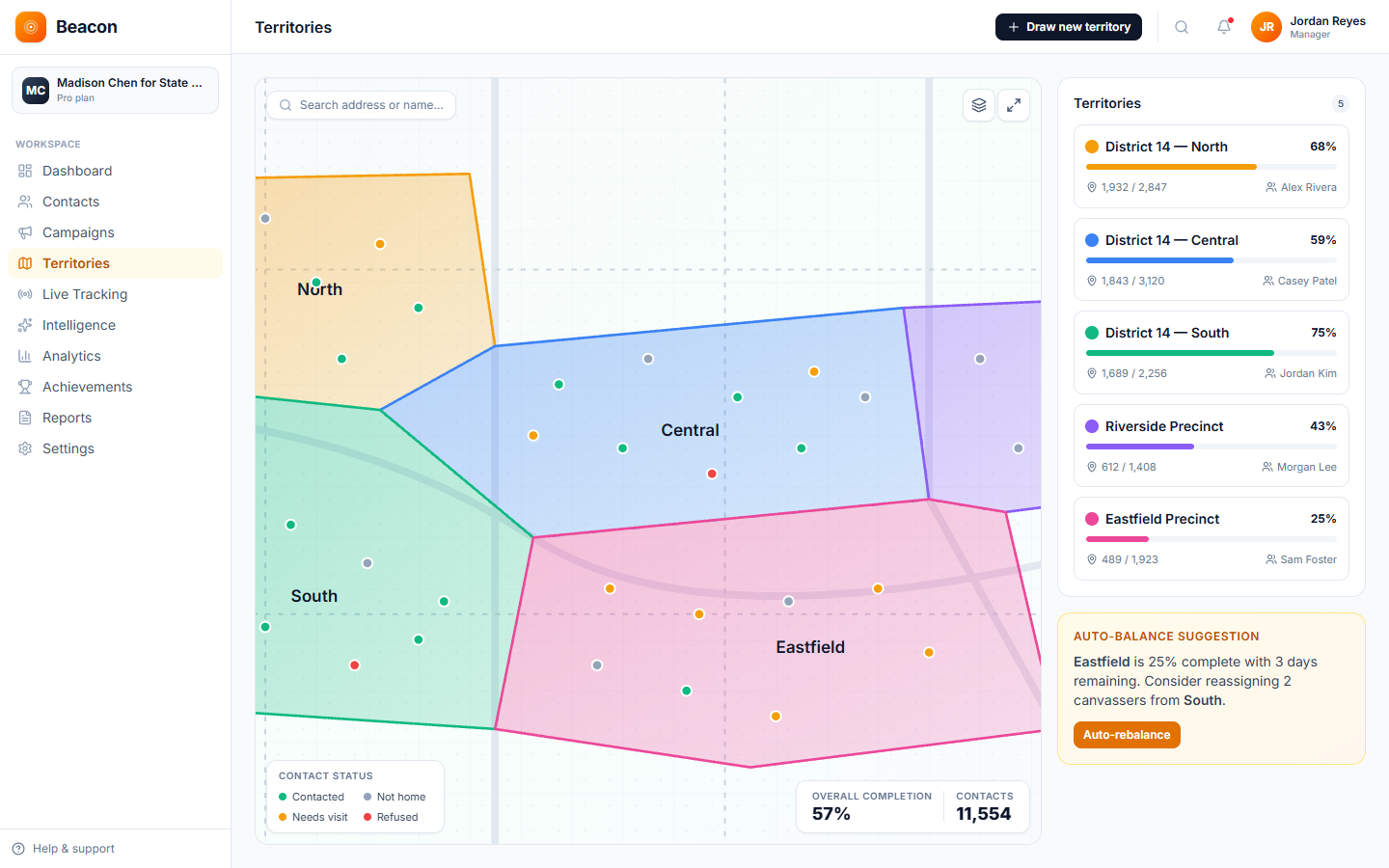
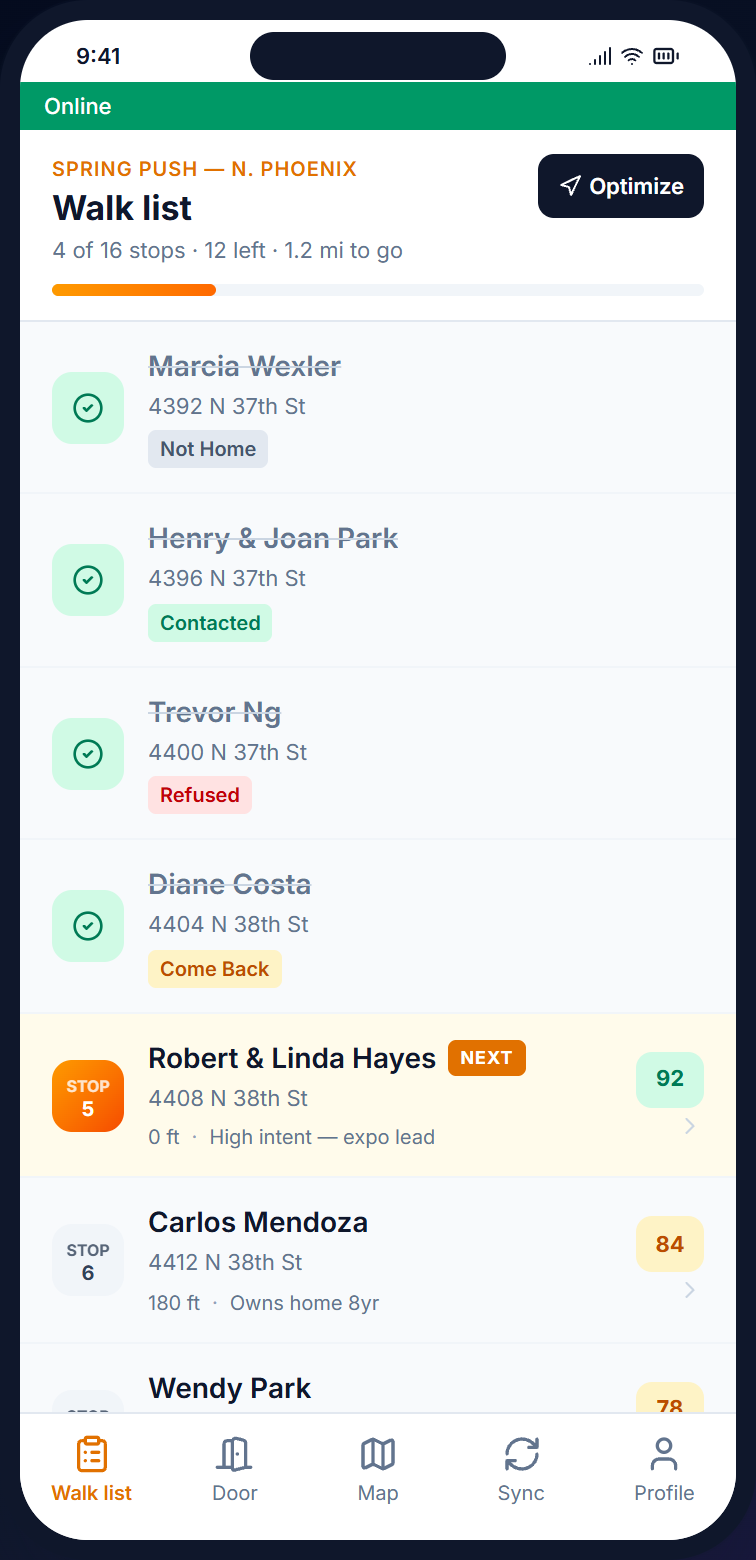
Draw a shape around a farm, name it, and assign agents on the team. The homes inside become a visit list, each contact gets a rule-based lead score, and when an agent downloads the list, Beacon puts it in walking order, one street at a time, with each street's doors in house-number order.
The platform
Every door, conversation, and follow-up is saved to the same record, so the team does not keep separate spreadsheets of visited homes, and the record shows who followed up with each family.
DESK
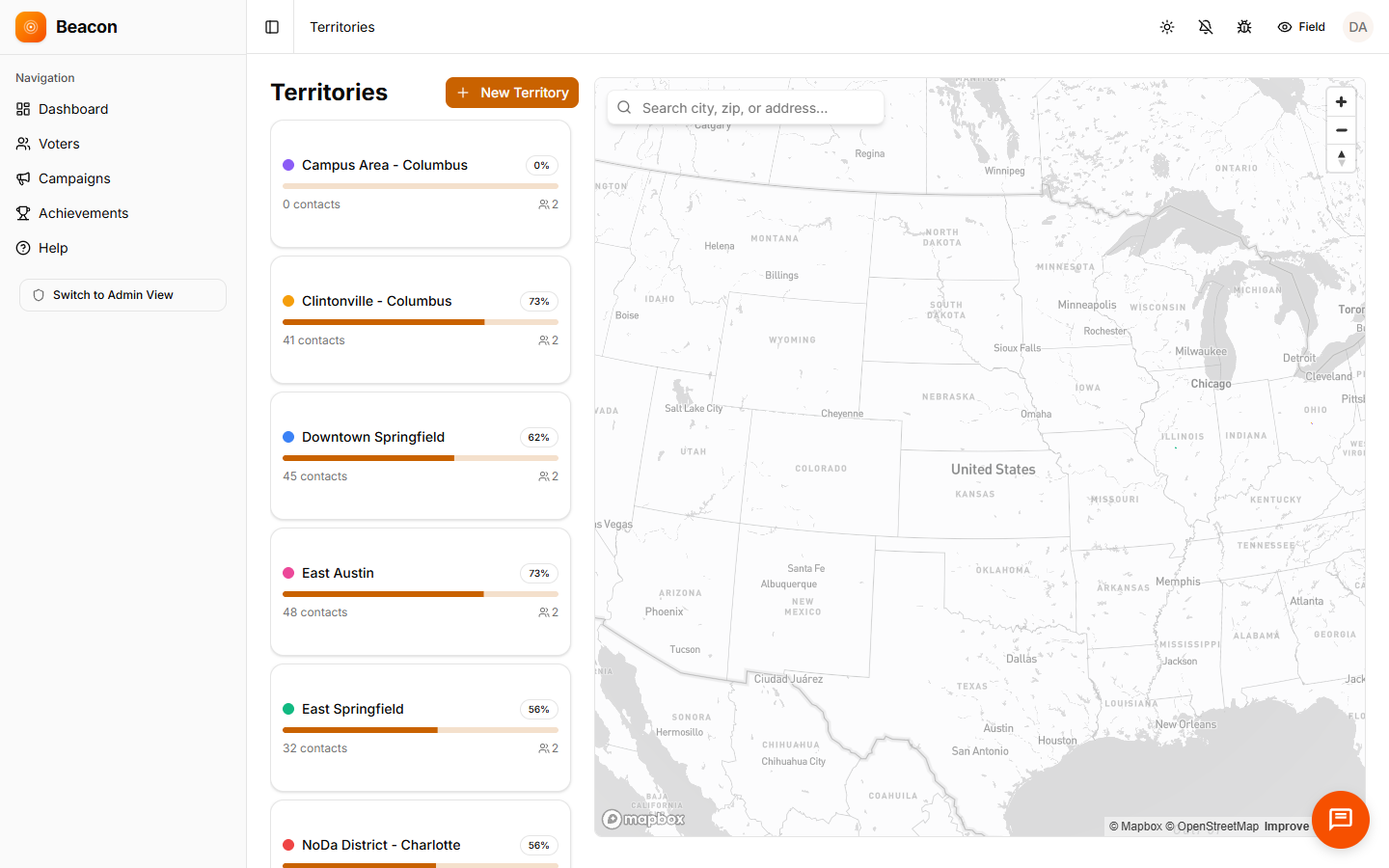
This is the office screen where you divide farms, add enrichment data to your homeowner list, assign agents, and follow coverage on the map. The dashboard shows doors knocked, contacts, and door results.
DOOR
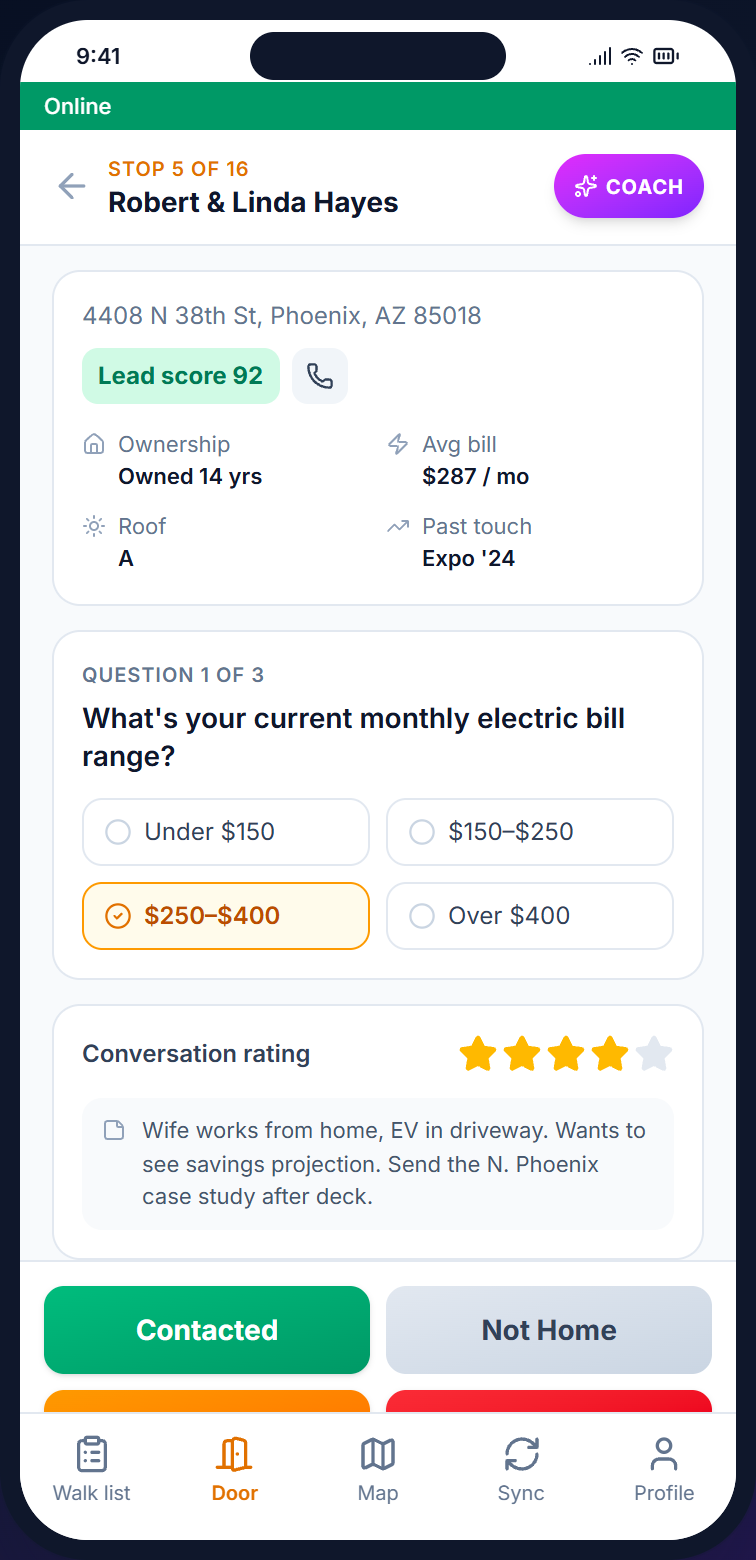
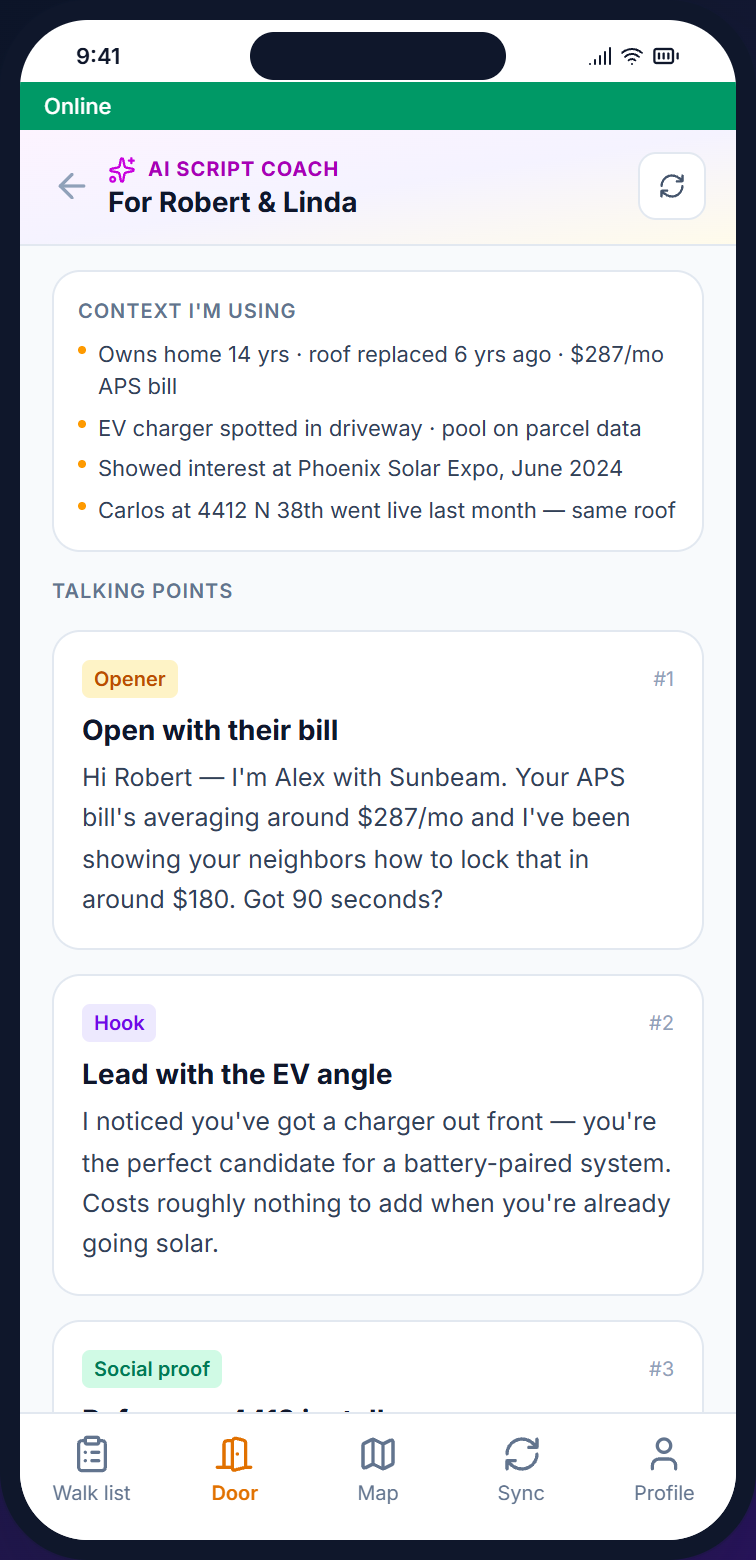
The phone app for agents. It holds the visit list, a homeowner screen with the lead score and earlier visits, and the AI Script Coach (a paid add-on). Open the app with signal before the shift. After that, door results and photos keep saving on the phone if signal drops. When you have signal again, tap Sync to send everything waiting. Beacon also tries on its own while it's open.
MAP
Each visit reaches the live activity feed. The dashboard shows doors knocked, the contact rate, and door results, and each farm shows the share of its homes reached, which helps when you discuss the next farming budget with your broker.
Agent activities
The platform stays the same, while the door results, the script, and the follow-up plan change to match what you are doing on a given afternoon.
Each homeowner gets a rule-based lead score from visit history and contact details, shown next to each address, so higher-scoring homes stand out on the list.
Captures: Conversation · Come Back Later · Left Flyer · Refused
Import the open house sign-in sheet as a CSV file, and the visit list is in walking order when it downloads. Agents can then follow up in person at the door within 48 hours.
Captures: Met Again · Buyer Status · Not Active
Import the FSBO (for sale by owner) and expired-listing lists you already have, and visit the homes around new just-sold and just-listed properties (circle prospecting). Visit lists are ordered automatically, and each campaign has its own script.
Captures: Conversation · Already Listed · Come Back Later · Refused
How a farm gets walked
The steps are the same for a solo agent with one farm and for a team with many farms. Only the size of the list changes.
/01
Import your farm list from a CSV file. Data enrichment can add homeowner status, property value, and length of residence when the data provider returns them, and each home gets a rule-based lead score.
/02
Draw territories on the map, and the visit list inside each one is in walking order when an agent downloads it. Solo agents work one farm, while teams divide farms by agent.
/03
The door screen records the result, conversation notes, and whether the owner may be ready to list. Once the app has been opened with signal, door results keep saving if signal drops. When you have signal again, tap Sync to send everything waiting, so the conversation history is there the next time you walk the same street. Beacon also tries on its own while it's open.
/04
Export contacts and door results to CSV to compare them with the listings you win.
On the doorstep
The screen shows the owner's name, the lead score, and notes from earlier visits. With the paid add-on, the AI Script Coach writes talking points from the campaign script, the lead score, tags, and earlier visits. Beacon logs the conversation to the contact record, so the next agent on the team can continue where you stopped.
See how agents use it →
Real estate FAQ
PRICING
Pricing is based on farm size (contacts), not the number of agents. A solo agent farming 2,500 homes pays for Starter ($59), and a 10-agent team running 50K homes pays for Business ($229). There are six tiers, with unlimited agents on every plan.
DATA
Bring your own farm list as a CSV file. Beacon's data enrichment service can add phone numbers, emails, homeowner status, property value, and length of residence when the data provider returns them. Beacon does not pull homeowner lists, equity, or permit data, and it does not replace your MLS.
CRM
Beacon does not replace your CRM. It is a field operations tool focused on what happens at the door. You can send contacts and door results to your CRM through signed webhooks (automatic updates), if your CRM can receive them, so agents who already like their CRM can keep it.
FOLLOW-UP
Each visit's result and notes are saved with the contact, so the next visit starts where the last one stopped. Texting is handled by CampaignCNX+, a separate product with its own plans and its own account. Alma, the chatbot on your IDX site (the listings search on your website), collects interested leads.
DNC
Beacon enforces the DNC (do-not-contact) list for each contact, so a contact marked DNC leaves every visit list. Changes to contacts, DNC marks, imports, contact exports, campaigns, surveys, territories and team members are logged, and these tools are not limited to the Enterprise plan.
FARM RESULTS
Beacon records every door visit and its result, but it does not track listings or commissions. Export contacts and door results to CSV and match them against the listings you win. For example, if the Arcadia North farm produced three closed listings from 600 doors, you can work out the result per door yourself.
Start the farm
Open an account, draw a shape around your farm, and import your homeowner records. Your visit list is on your phone the next morning, with the lead score and earlier visits on the door screen.