The Technology Stack for Modern Canvassing Operations

Most canvassing teams no longer rely on clipboards and paper walk lists (printed lists of the addresses to visit). Canvassing now depends on technology at every level, from the phone app canvassers use at each door to the reports managers review each night. With dozens of tools available, choosing the right combination of tools can be difficult.
This guide describes the main types of technology a canvassing program needs and what to look for in each.
The Core: Mobile Canvassing App
The canvassing app is the most important technology decision you will make, because your team uses it constantly in the field. A poor app frustrates canvassers, slows them down, and produces unreliable data. A good app makes canvassers more efficient and collects the information your whole program depends on.
Must-Have Features
- Map-based navigation: Canvassers should see their territory on a map with pins for each target door, color-coded by status (not visited, visited, positive response, etc.)
- Efficient routing. The app should put doors in an efficient order for walking or driving, rather than simply showing them on a map
- Custom data collection. Survey forms you can adjust to collect the specific information your program needs
- Offline capability. The app must work fully without a signal, which is essential in areas with poor cell service, and upload records once the connection returns
- GPS tracking: Live location tracking for safety, accountability, and confirming which areas were covered
- Live updates. Results should reach the managers' dashboard immediately, not at the end of the day
Nice-to-Have Features
- In-app messaging between canvassers and managers
- Photo capture for documenting property conditions or issues
- Script display within the app
- Contact history showing previous visit results
- Estimated time remaining for the territory
Beacon was built from the start as a canvassing app, with all of these core features in a phone-first design that works for both political campaigns and sales teams.
Territory Management
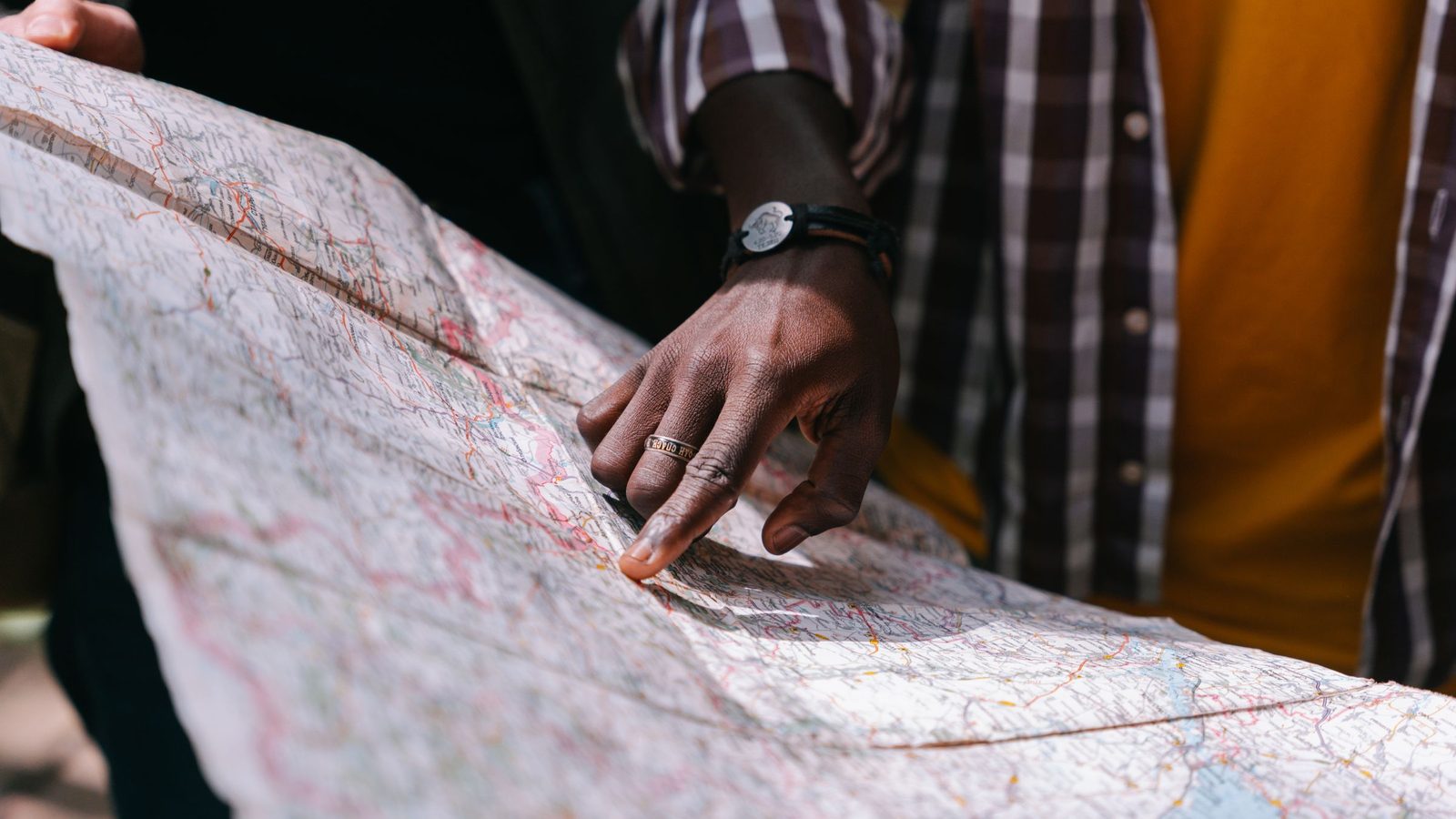
Territory management tools let you design, assign, and track canvassing territories. Some canvassing apps include these tools, while others require a separate product.
Key Capabilities
- Visual territory drawing. Draw territories on a map by outlining their boundaries, instead of listing addresses by hand
- Door count estimation. See how many target doors are in each territory before assigning it
- Assignment tracking. Know which canvasser is assigned to which territory and when
- Coverage maps. Shaded maps or colored pins that show which doors have been visited and which have not
- Overlap prevention. Alerts when two territories share the same addresses
CRM and Lead Management
For sales teams, the leads recorded in the field need to reach a CRM (customer relationship management system) for follow-up. The connection between your canvassing app and your CRM is critical:
For the wider picture, read the operations side of a canvass.
Connection Options
- Built-in connections: Direct connections, built into the canvassing app, to popular CRMs (Salesforce, HubSpot, Pipedrive)
- API connections. Custom connections built with the canvassing app's API (the interface other software uses to exchange data with it). These are more flexible but require a programmer.
- Zapier or similar connector services. Automated steps that move data between systems without custom programming. Good for simple connections.
- Manual export and import. Export a spreadsheet file (CSV) from the canvassing app and import it into the CRM. This works, but it is slow, prone to errors, and impractical as your team grows.
The most important goal is that no lead is lost between the doorstep and the CRM. Every contact a canvasser records should appear in your sales records within minutes, not days.
Analytics and Reporting

Data is only useful once it is analyzed. Include tools that turn raw canvassing data into information you can act on:
Real-Time Dashboards
Managers need to see what is happening in the field now, not what happened last night. A live dashboard should show:
- Active canvassers and their current locations
- Doors knocked and contacts made (today, this week, total)
- Contact rates and response breakdowns
- Individual canvasser performance comparison
- Territory coverage progress
Historical Analytics
Looking at results over time shows where you can improve:
- Best-performing time slots by day of week
- Territory conversion rate comparisons
- Canvasser performance trends (improving, declining, steady)
- Overall efficiency measures for the program
Beacon's built-in analytics show both live and historical results, so most teams do not need a separate analytics tool.
Communication Tools
Canvassing teams need reliable ways to communicate that work in real field conditions:
- Team messaging: Group chat for shift coordination, announcements, and problem-solving. Slack, GroupMe, or WhatsApp all work. Choose one and use it consistently.
- Manager-to-canvasser: Direct messaging for individual check-ins, coaching, and solving problems
- Mass notifications: The ability to quickly reach all canvassers with urgent messages (weather cancellations, safety alerts, shift changes)
- Post-shift communication: Email or messaging for sharing daily results, schedules, and updates
Data Systems
For Political Campaigns
The systems that move voter data in and out matter as much as your canvassing app:
- Voter file management: Tools for importing, correcting, and maintaining the voter file (the list of registered voters your campaign works from)
- Targeting and modeling. Analysis that identifies which voters to contact first
- Data export. The ability to export canvassing results back into your voter file for future campaigns and party data sharing
For Sales Operations
- Lead scoring. Automatic ratings of leads from canvassing, based on the answers collected at the door
- Sales tracking. The ability to follow each lead from the first knock to the completed sale
- Revenue attribution. Linking each completed sale to the specific door knock that produced the lead
Evaluating Technology Vendors

When choosing canvassing technology, judge each vendor on:
- Ease of use. A new canvasser should be able to learn the app in under 15 minutes. Teams tend not to use complicated tools.
- Reliability. Check whether the app crashes, whether records upload consistently, and whether offline mode works as promised.
- Support. Find out how quickly the vendor responds when something goes wrong, because at some point it will.
- Capacity. Make sure the app can handle your largest expected team, and test it at that size.
- Data ownership. Confirm that you own the data your team collects and can export it freely.
- Total cost: Consider per-user costs, setup fees, training costs, and the cost of integrations with other tools
The ideal setup uses Beacon as the central app for canvassing, territory management, GPS tracking (on the Growth plan and up), and analytics, with connections that send data to your CRM and communication tools. Fewer systems mean fewer things that can break and less training for your team.
For a comparison, see Beacon against the alternatives.